Match appointment rules to the service
Initial assessments may need longer appointments and different preparation than follow-ups. Review recurring visits, room or equipment constraints and how a cancellation affects the rest of the schedule. Avoid assuming every practitioner has the same appointment rules.
Evaluate documentation and payment together
Check the path from completed visit to note, invoice and receipt. In the US, assess any required superbill or payer workflow separately; in Canada, confirm the specific funding and receipt requirements your practice uses. Neither market should assume universal insurer support.
A treatment plan spans several visits
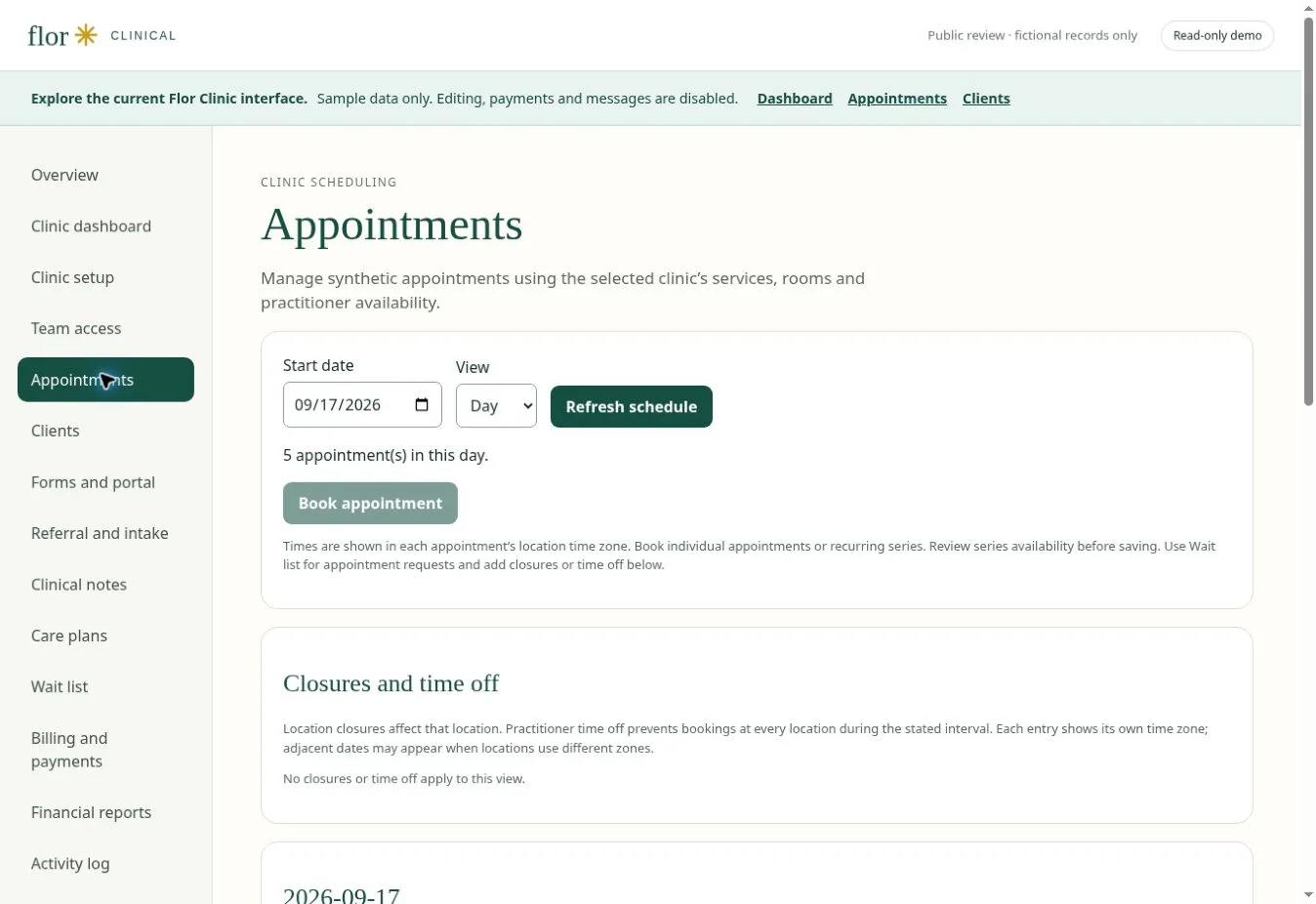
Create a fictional assessment and three follow-up appointments with different lengths. Review how goals, progress notes and missed visits are visible to the treating practitioner. Then create a sample invoice and check the information available for reconciliation. If your practice needs outcome measures, exercise prescription, direct billing or a payer interface, request a demonstration of that exact capability; those functions are not established by a calendar preview.
| Check in the demonstration | Evidence to record |
|---|---|
| Visit type and duration preserved | Describe the observed result using fictional data. |
| Progress documentation linked to the client | Record the role, exception and any manual work required. |
| External integrations verified separately | Agree on pass, follow-up or unavailable before rollout. |
Continue with clinical notes and documentation workflows and practice billing and payment workflows to test the connected steps. The interactive Flor demo provides fictional examples for the discussion.
Prepare your team for the review
Ask one practitioner and one person who handles scheduling or billing to describe the same fictional visit. Compare what each needs before, during and after the appointment. Bring blank forms, service durations and a list of required integrations, then use the software selection guide to record the outcome.
For a Canadian clinic, confirm CAD receipts, provincial professional requirements and the exact funding or insurer workflows you use. Check the migration checklist before agreeing to a switch date.
A few common questions
Is insurance billing included?
Insurance integrations vary. Ask the team to demonstrate the exact workflow and payer requirements before including it in your rollout.
Prepared for clinic owners in Canada. Updated . These guides support product evaluation and do not replace professional or legal advice.