Start with the appointment, not just the time slot
A first assessment, follow-up and group session need different lengths, preparation and resources. Define appointment types before setting availability. Include time for notes, room changes and supervision, and review how recurring visits behave when a therapist is away.
Make exceptions visible
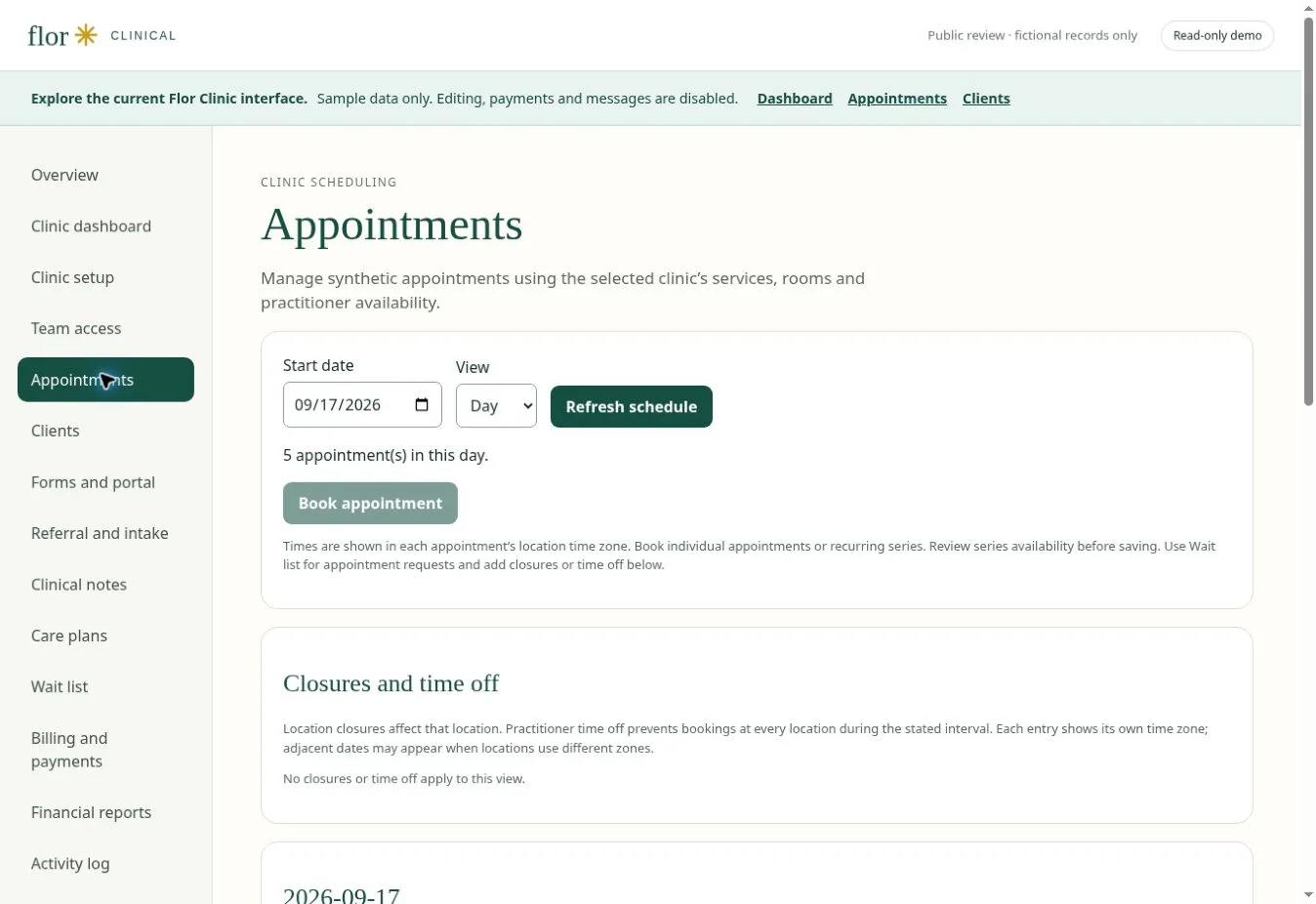
A calendar should help people resolve cancellations, reschedules and overlapping resources. In your Flor demonstration, ask to walk through a busy day: a therapist calls in sick, a family changes an appointment and a room becomes unavailable. Verify each outcome against your clinic’s policies.
A recurring visit meets a room conflict
Use a fictional weekly speech-therapy visit with a named practitioner and one shared room. Move a single occurrence to a time when the room is already assigned to an OT assessment. The demonstration should explain the conflict, preserve the rest of the series and show the changed occurrence to the front desk. Repeat the exercise for a practitioner absence and a cancellation. Record what the system prevents, what requires staff judgment and who can override a rule.
| Check in the demonstration | Evidence to record |
|---|---|
| Recurring series with one exception | Describe the observed result using fictional data. |
| Room and practitioner conflict explained | Record the role, exception and any manual work required. |
| Cancellation retained in the visit history | Agree on pass, follow-up or unavailable before rollout. |
Continue with clinical notes and documentation workflows and practice billing and payment workflows to test the connected steps. The interactive Flor demo provides fictional examples for the discussion.
A Canadian recurring-appointment acceptance pass
Use one fictional series to compare a routine week with a holiday, practitioner absence, room conflict and caregiver-requested change. Record whether each action affects one visit or future visits, which staff role may approve it and what administrative notice follows. Keep patient information out of the public demo and confirm the province, profession and clinic policies that apply.
| Decision | Evidence to capture |
|---|---|
| Series definition | Frequency, duration, practitioner, location, end rule and review owner. |
| Single exception | Original visit, changed visit, reason, approver and notification status. |
| Future change | Effective date, affected occurrences and retained history. |
A few common questions
Can I try the calendar?
The interactive demo contains fictional appointments. It illustrates the proposed workflow; it does not book or change real visits.
Does scheduling include reminders?
Confirm available reminder channels, consent handling and delivery costs during early-access scoping. They are not promised as live capabilities on this website.
Prepared for clinic owners in Canada. Updated . These guides support product evaluation and do not replace professional or legal advice.