Plan for work outside the treatment room
Review how off-site appointments, travel time and shared resources are represented. Define which administrative details belong on the calendar and which belong in a restricted clinical record. Keep client-facing instructions clear when locations change.
Connect goals, reports and the wider team
Identify assessment formats, progress documentation and discharge requirements. Confirm who can contribute to or view each record, especially when another discipline is involved. Bring blank forms and fictional case examples to scope the demonstration.
Two clinicians need the same treatment space
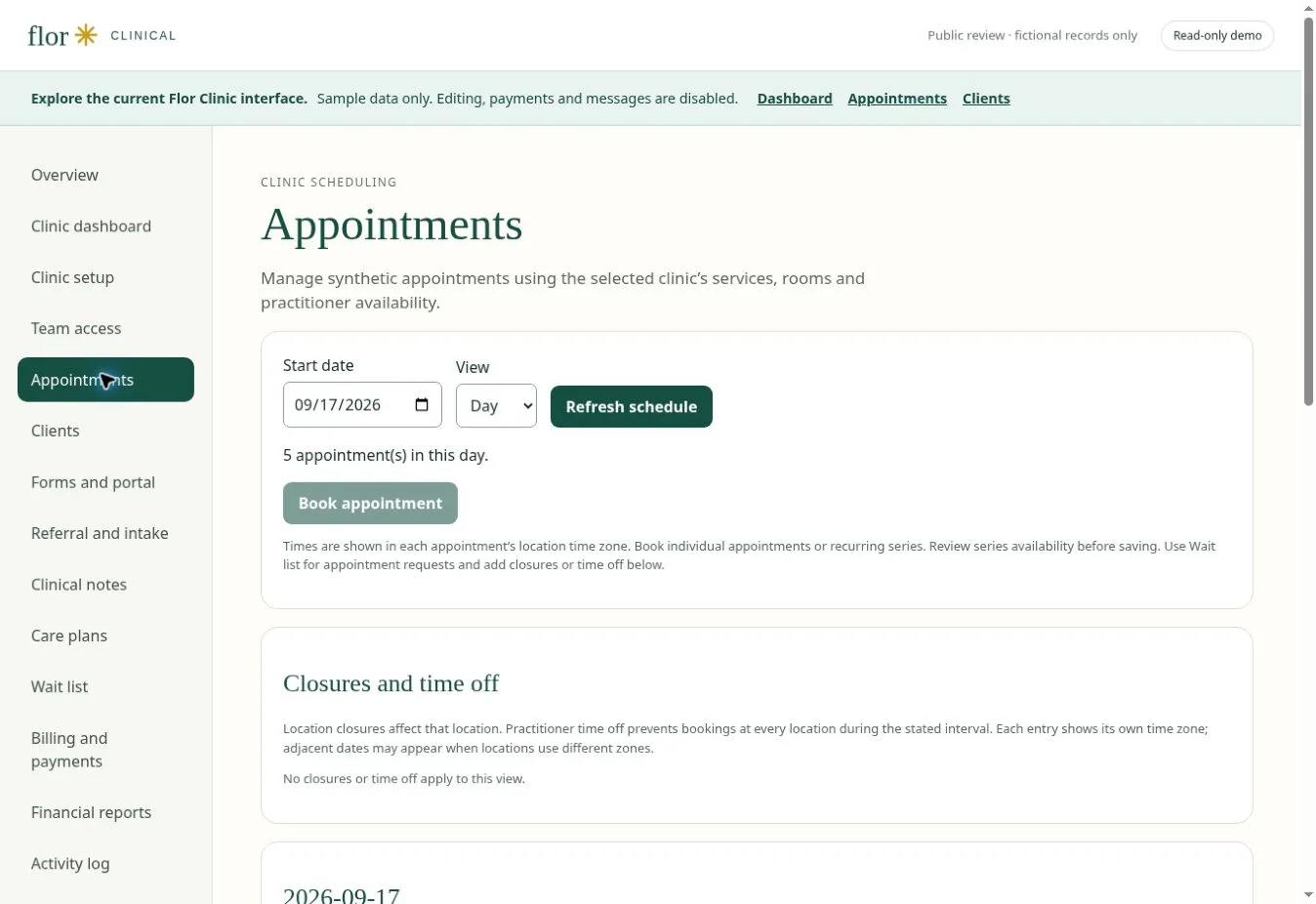
Use a fictional assessment that needs a particular room and another session that overlaps. Review the scheduling conflict, preparation time and the practitioner’s availability. Then trace the assessment through goals, a care plan and follow-up documentation. Ask how equipment requirements are represented; do not assume that room scheduling also provides equipment inventory. Confirm each needed capability during the guided review.
| Check in the demonstration | Evidence to record |
|---|---|
| Shared-room conflict surfaced | Describe the observed result using fictional data. |
| Assessment and goals remain linked | Record the role, exception and any manual work required. |
| Equipment needs explicitly scoped | Agree on pass, follow-up or unavailable before rollout. |
Continue with appointment scheduling software for therapy practices and clinical notes and documentation workflows to test the connected steps. The interactive Flor demo provides fictional examples for the discussion.
Prepare your team for the review
Ask one practitioner and one person who handles scheduling or billing to describe the same fictional visit. Compare what each needs before, during and after the appointment. Bring blank forms, service durations and a list of required integrations, then use the software selection guide to record the outcome.
For a Canadian clinic, confirm CAD receipts, provincial professional requirements and the exact funding or insurer workflows you use. Check the migration checklist before agreeing to a switch date.
A few common questions
Can I see an occupational therapy website design?
Yes. Choose Occupational Therapy in the clinic template gallery and explore each of the five layouts.
Prepared for clinic owners in Canada. Updated . These guides support product evaluation and do not replace professional or legal advice.